Less empty film.
More room to print.
FillMyFilm packs the actual shape of your artwork, not lazy rectangles. Build a tighter gang sheet in the browser, then export it ready for your RIP.




SAME 19 PIECES · 4.4″ LESS FILM
THE PROBLEM IS THE BOX
Your artwork isn’t square.
Why is your nesting?
Most sheet builders reserve a rectangle around every design. That means you buy all the dead space between curves, letters and cutouts. FillMyFilm gives the silhouette room to lock together instead.

Every piece keeps its rectangle. You buy the dead space in the corners.
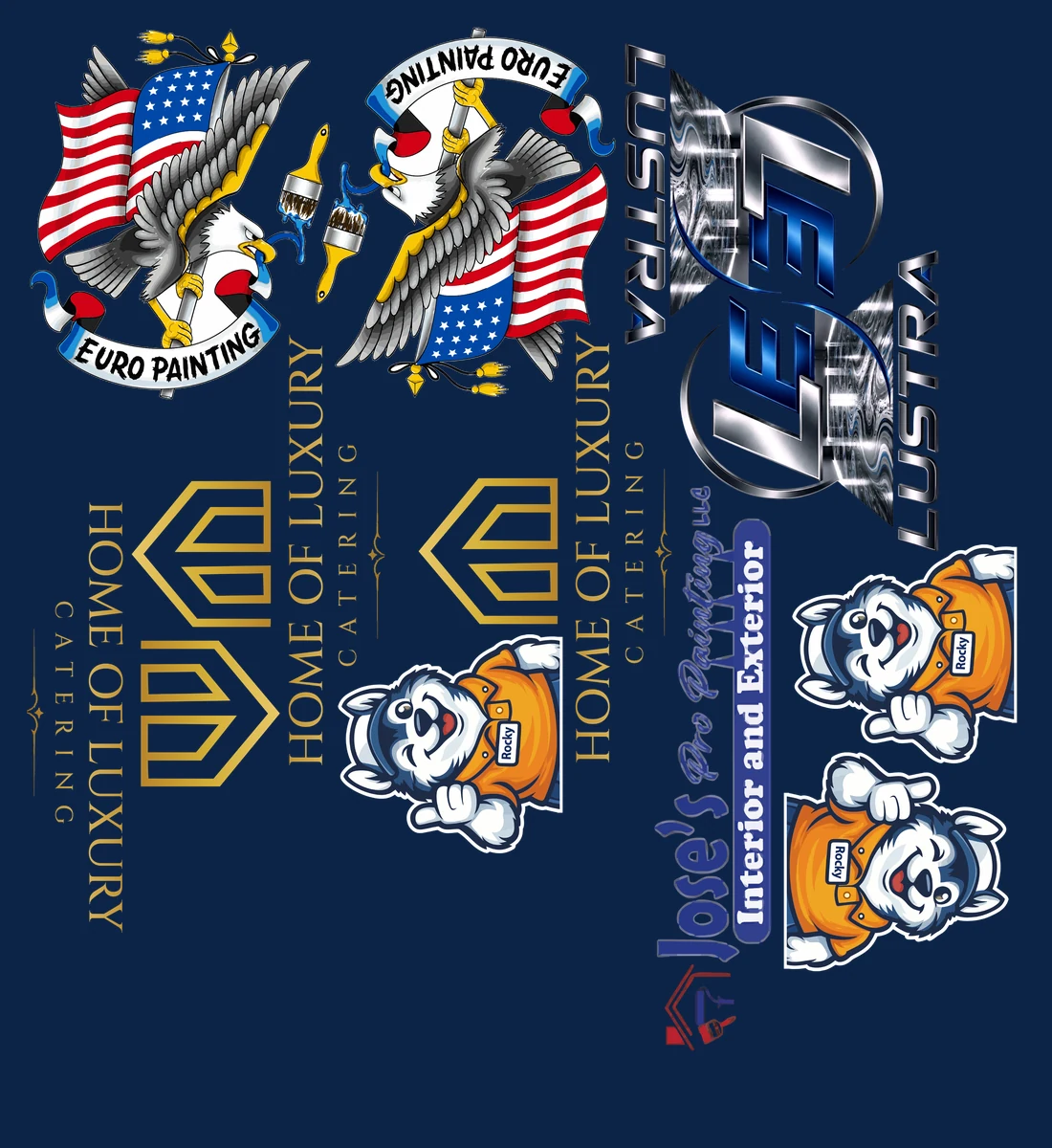
Same 15 pieces, packed by silhouette. 6.4″ shorter — 20% less film.
BOTH SHEETS ARE REAL EXPORTS FROM THE APP, RUN ON REAL CLIENT ARTWORK AT 22″ ROLL WIDTH, DRAWN AT ONE SCALE.
YOUR NEW PREPRESS LOOP
From file pile to press-ready.
- 01
Drop in the art.
Add the files you already have. FillMyFilm reads real image data and print dimensions before you burn through film.
- 02
Set your run.
Choose the print size, quantity, roll width, margin and gap. See the sheet build while you work.
- 03
Let MAX find the fit.
FillMyFilm tests two nesting approaches and holds on to the shortest result. No guessing which packing method wins.
- 04
Export and print.
Download a 300 DPI PNG with print-ready metadata. Your artwork stays on your machine.
QUESTIONS PRINTERS ASK
Does my artwork get uploaded?
No. Artwork stays on your device — only placement geometry is used to build the sheet.
What formats can I add?
PNG, JPG, WebP, SVG, PDF, AI, PSD or TIFF. Add multiple files, then set size and quantity per design.
Will my RIP accept the export?
You download a 300 DPI PNG with pHYs DPI metadata embedded — RIP-ready at the stated DPI.
What roll widths work?
Any width — set roll width, gap and margin per sheet. 22″ standard rolls are the default.
What does it cost?
Free to use in your browser. No account, no upload.
STOP PAYING FOR AIR
Make every inch earn its place.
Free to use in your browser. No account, no upload.